


Le Patrol de A à Z
Actualité du Patrol ... Des astuces en stock ?
4448 sujets dans ce forum
-
- 0 réponse
- 1.2k vues
papikawa -
- 0 réponse
- 1.1k vues
maki -
- 0 réponse
- 432 vues
Clément 47 -
- 0 réponse
- 1.2k vues
SAGARNOA -

- 0 réponse
- 1.2k vues
Alphatongo -

- 0 réponse
- 460 vues
Pizzou65 -

- 0 réponse
- 1.3k vues
hamel -

- 0 réponse
- 602 vues
etienne72 -

- 0 réponse
- 377 vues
Ew12 -
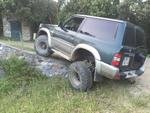
- 0 réponse
- 555 vues
Jeremybenati -
- 0 réponse
- 1k vues
jeuneloup2meze -

- 0 réponse
- 1.8k vues
anthonybef -
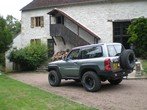
- 0 réponse
- 972 vues
tavignot -
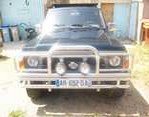
- 0 réponse
- 916 vues
cochon -

- 0 réponse
- 883 vues
woolf 44 -
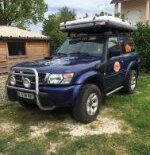
- 0 réponse
- 544 vues
Boris 33 -

- 0 réponse
- 1.4k vues
patrolien -
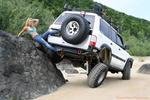
- 0 réponse
- 1.3k vues
chance -
- 0 réponse
- 891 vues
Pierre Grosjean -
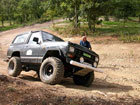
- 0 réponse
- 1.2k vues
Pat -
- 0 réponse
- 2.3k vues
ducat -
- 0 réponse
- 1k vues
pat31trol -
- 0 réponse
- 902 vues
PATROL2105 -
- 0 réponse
- 1k vues
tilouguit -

- 0 réponse
- 789 vues
Romucaz -
- 0 réponse
- 838 vues
chti baroud -
- 0 réponse
- 792 vues
RV -

- 0 réponse
- 895 vues
ouargla -

- 0 réponse
- 1.3k vues
Christophe - Toulouse 31 -
- 0 réponse
- 470 vues
Juvell