Aller au contenu
View in the app

A better way to browse. Learn more.

Patrol-GR

A full-screen app on your home screen with push notifications, badges and more.

To install this app on iOS and iPadOS
  1. Tap the Share icon in Safari
  2. Scroll the menu and tap Add to Home Screen.
  3. Tap Add in the top-right corner.
To install this app on Android
  1. Tap the 3-dot menu (⋮) in the top-right corner of the browser.
  2. Tap Add to Home screen or Install app.
  3. Confirm by tapping Install.

Bienvenue sur Patrol-GR

Une communauté reconnue, détendez-vous en compagnie d'autres Trollers et partagez votre passion !

Je m'inscris
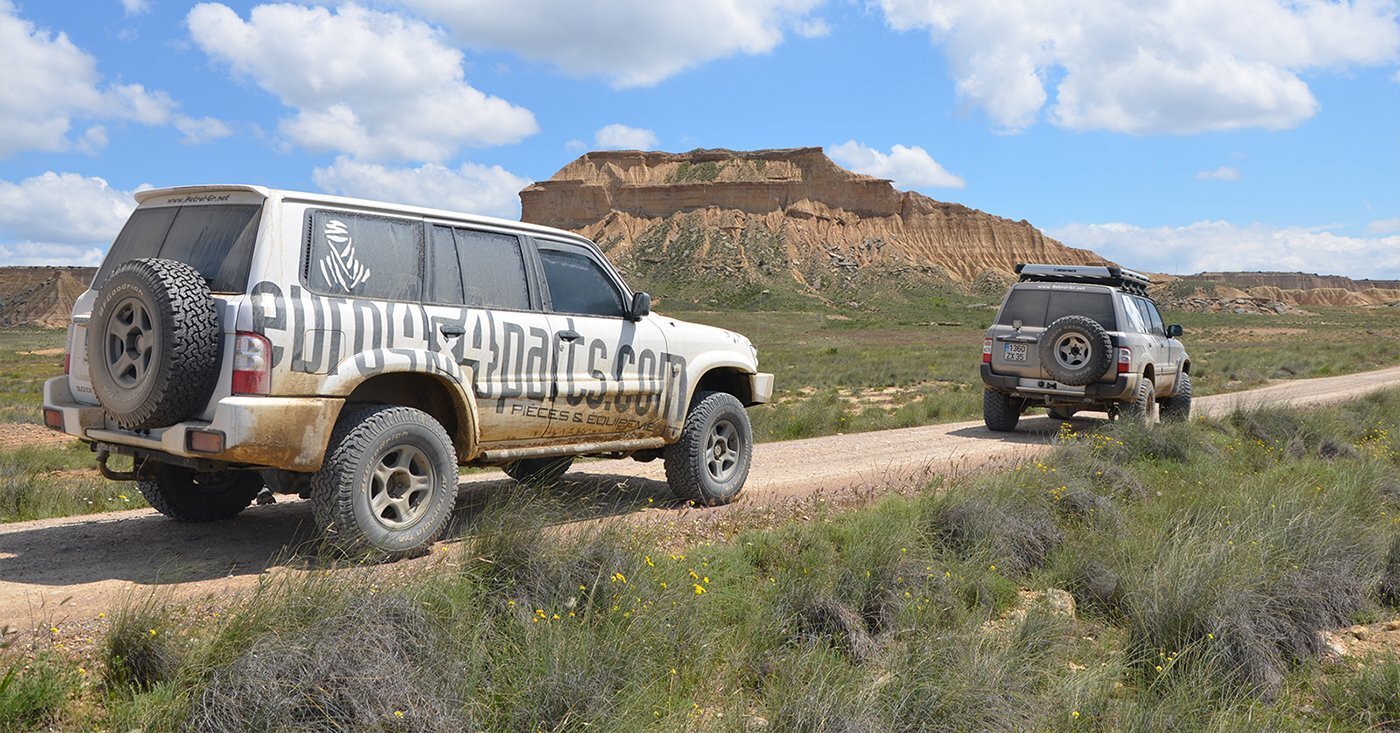
Nos Trucs et Astuces

N'hésitez pas, usez et abusez... de ces astuces pour l'entretien, les réparations et les modifications.

Juste ici
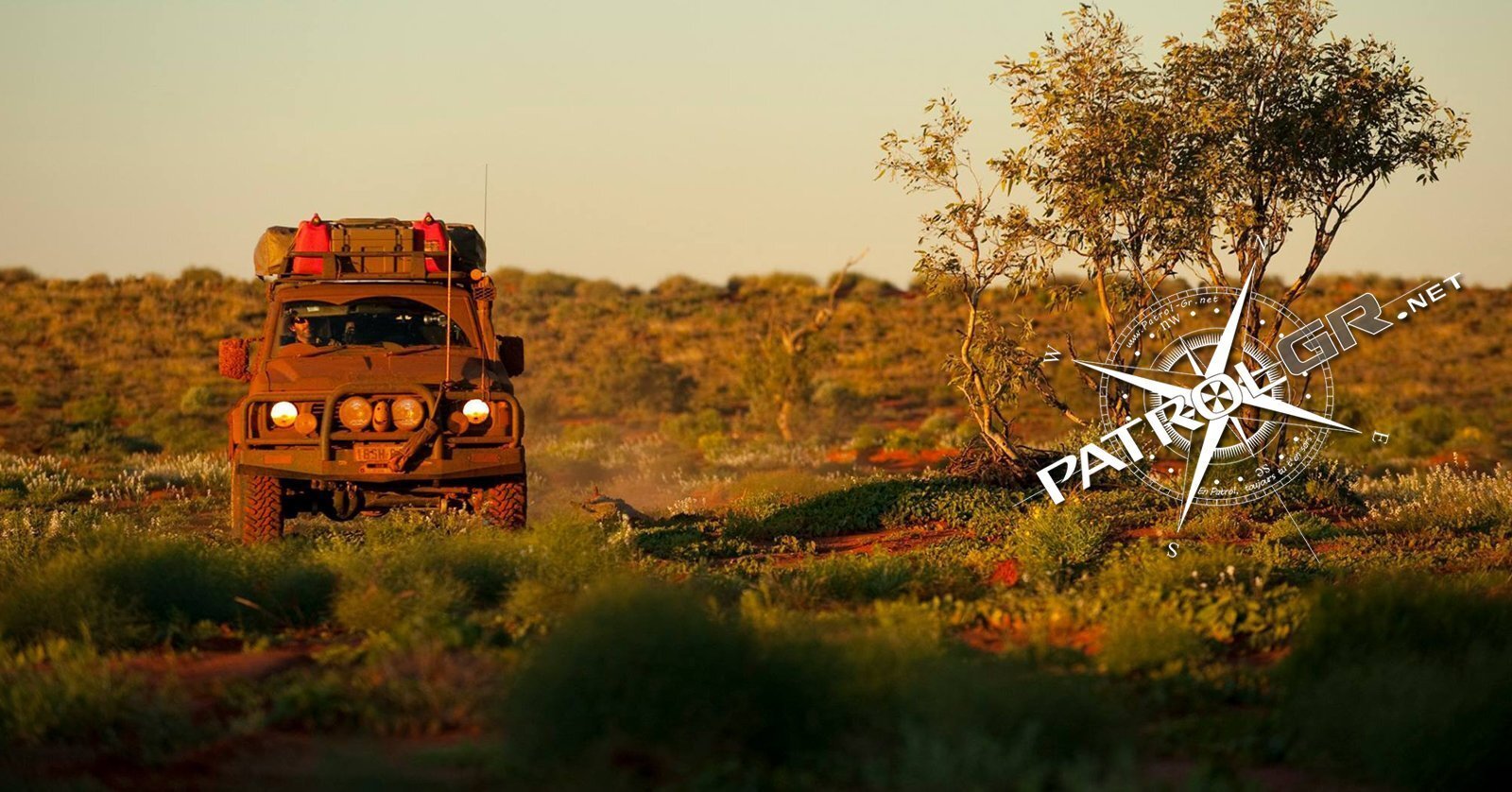
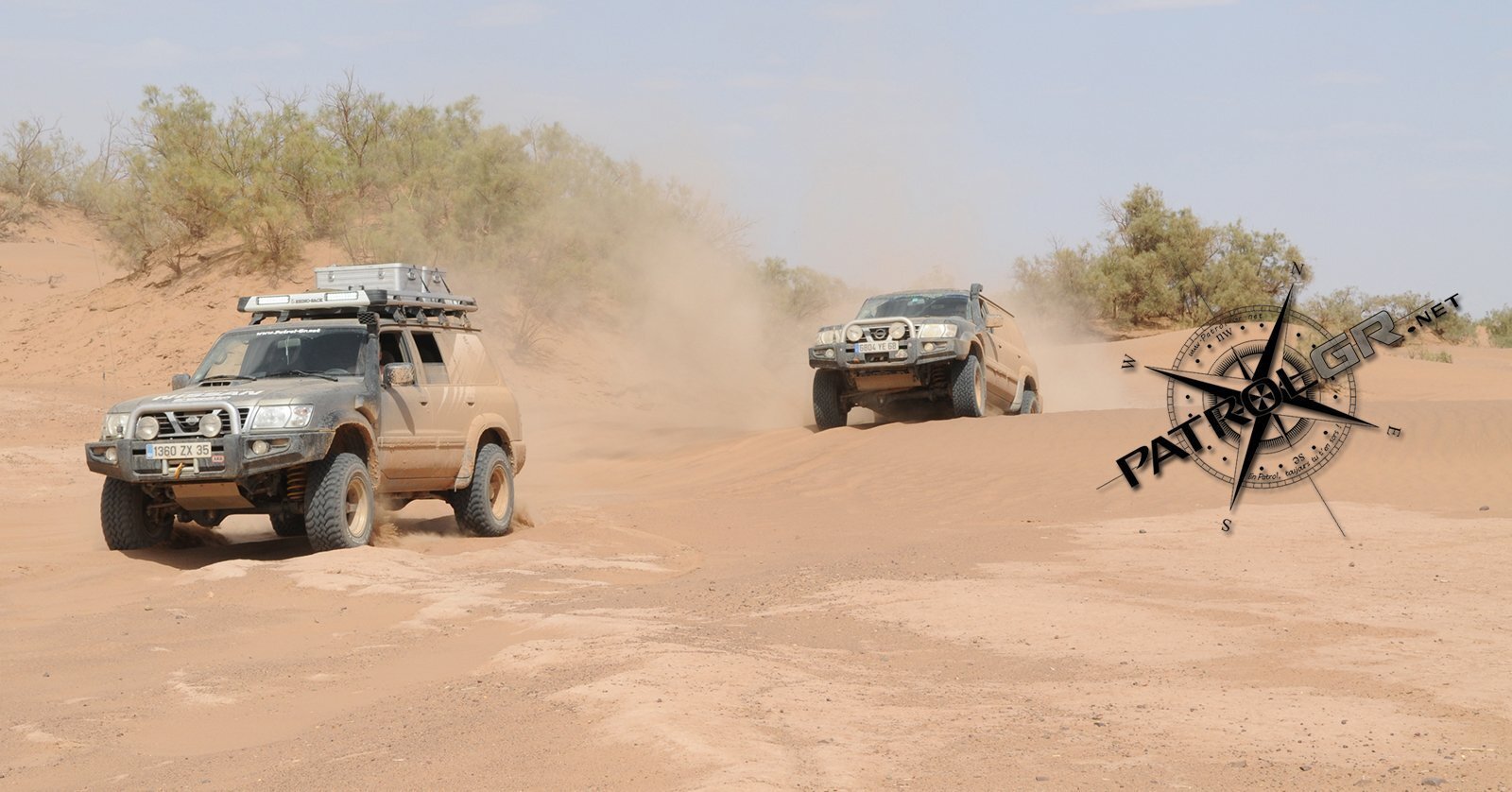
Nos sorties 4x4

À consommer sans modération !

ici

Compte Premium

Abonnez-vous au compte Premium et découvrez tous ses avantages !

Juste ici

260/ 2.8td baroud : hydrogène

Featured Replies

Posté(e) :

bonjour

je voudrai mettre un kit d'hydrogène sur mon gros quand pensez-vous ?


je ne suis pas un pro même de loin en mécanique


j'attends votre avis vous les pros


MERCI :betm13::betm13:

Posté(e) :
  • Auteur

merci pour m'avoir déplacer et me donner le lien

Créer un compte ou se connecter pour commenter

Information importante

Ce site web utilise les cookies pour améliorer votre expérience de navigation.

Account

Navigation

Rechercher

Rechercher

Configure browser push notifications

Chrome (Android)
  1. Tap the lock icon next to the address bar.
  2. Tap Permissions → Notifications.
  3. Adjust your preference.
Chrome (Desktop)
  1. Click the padlock icon in the address bar.
  2. Select Site settings.
  3. Find Notifications and adjust your preference.