Aller au contenu
View in the app

A better way to browse. Learn more.

Patrol-GR

A full-screen app on your home screen with push notifications, badges and more.

To install this app on iOS and iPadOS
  1. Tap the Share icon in Safari
  2. Scroll the menu and tap Add to Home Screen.
  3. Tap Add in the top-right corner.
To install this app on Android
  1. Tap the 3-dot menu (⋮) in the top-right corner of the browser.
  2. Tap Add to Home screen or Install app.
  3. Confirm by tapping Install.

Bienvenue sur Patrol-GR

Une communauté reconnue, détendez-vous en compagnie d'autres Trollers et partagez votre passion !

Je m'inscris
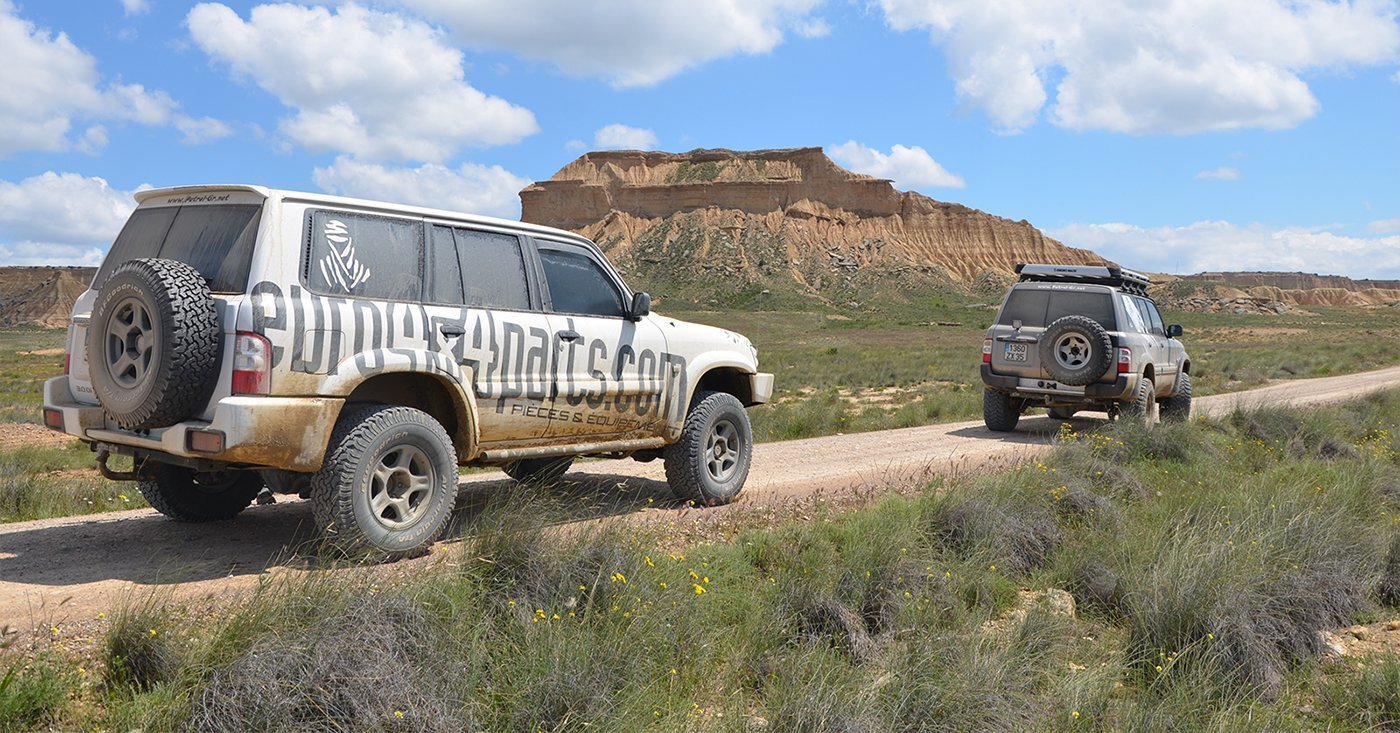
Nos Trucs et Astuces

N'hésitez pas, usez et abusez... de ces astuces pour l'entretien, les réparations et les modifications.

Juste ici
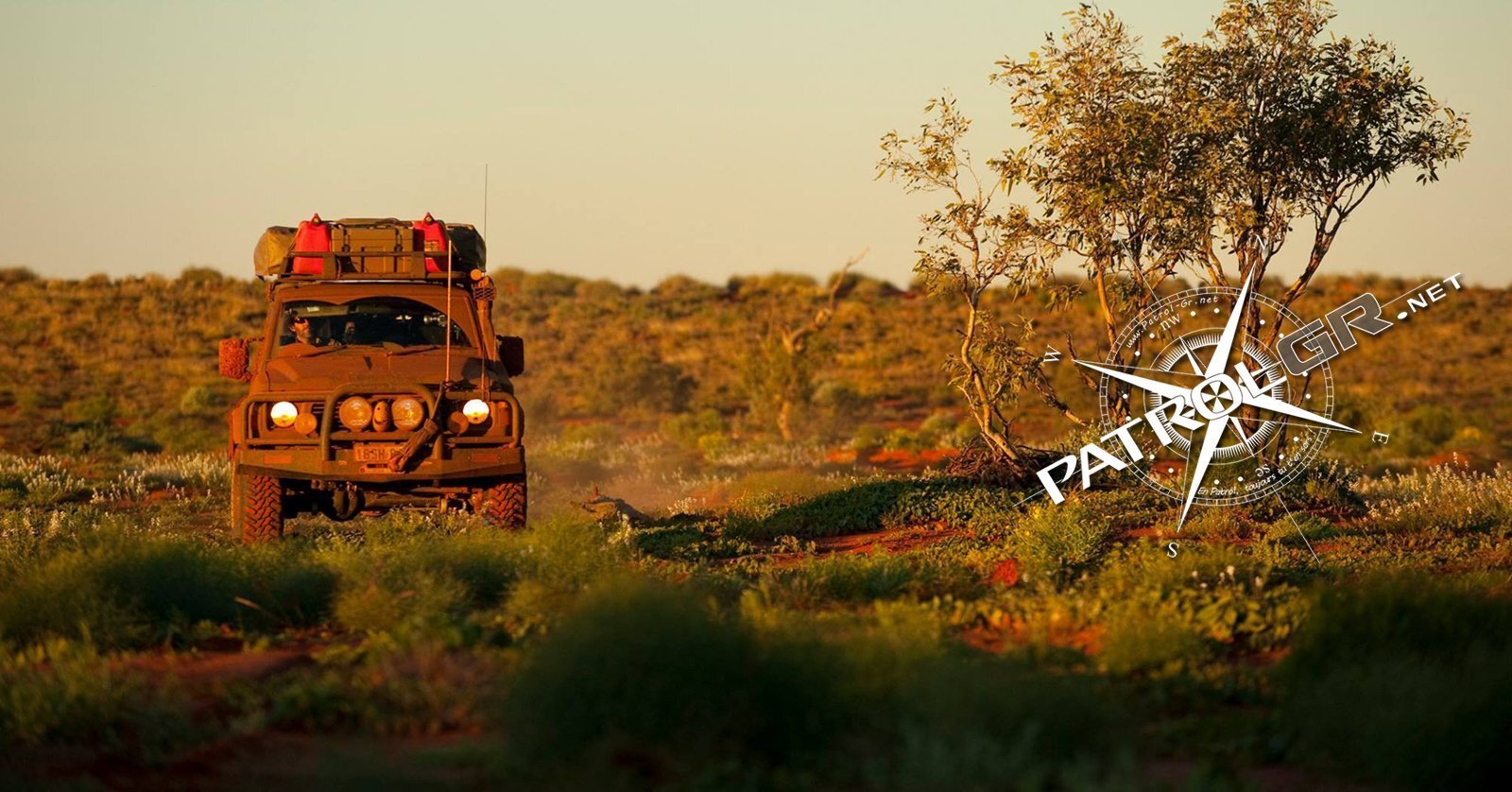
Nos sorties 4x4

À consommer sans modération !

Ici

Compte Premium

Abonnez-vous au compte Premium et découvrez tous ses avantages !

Juste ici

Chauffage arrière " Console centrale " Patrol Y60

Featured Replies

Posté(e) :

Bonsoir à toute la communauté.

Après une petite absence,me revoilà sur le forum.

J'aurais besoin d'un petit conseil concernant le cable ainsi qu'une attache reliant le cable à la tirette.

Celle-ci permet d'éffectuer le réglage du chauffagesitué dans la console pour les passagers arrère.

Pour vous aider à visualiser mon probléme,je vous met également les photos qui vous permettrons de visualiser mon petit soucis.

En espérant avoir un retour de qelqu'un,je vous souhaite un excellent week-end .

20261106_161429.jpg

20261106_161437.jpg

20261106_161442.jpg

Créer un compte ou se connecter pour commenter

Account

Navigation

Rechercher

Rechercher

Configure browser push notifications

Chrome (Android)
  1. Tap the lock icon next to the address bar.
  2. Tap Permissions → Notifications.
  3. Adjust your preference.
Chrome (Desktop)
  1. Click the padlock icon in the address bar.
  2. Select Site settings.
  3. Find Notifications and adjust your preference.